About NCHS Run
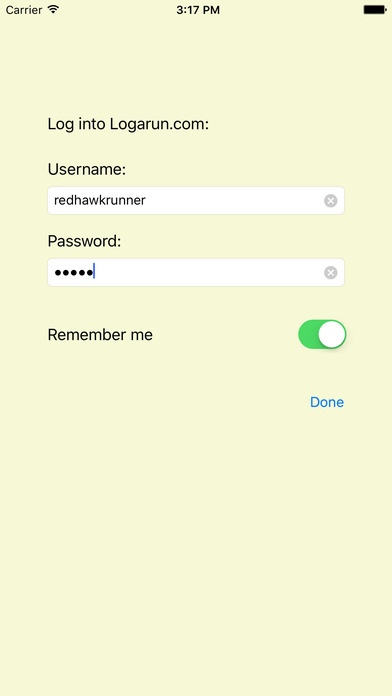
Runners, rejoice: Nevermore shall the ire of the coaching staff befall you! This app, developed for the runners of NCHS, has the built-in feature to connect you to the Logarun website. Log your workouts without logging on...
Runners, rejoice: Nevermore shall the ire of the coaching staff befall you! This app, developed for the runners of NCHS, has the built-in feature to connect you to the Logarun website. Log your workouts without logging on to a computer, or before you even leave practice. Features supported: -Log in to your logarun.com account -Quickly scroll through the different months (and even years) -View and edit health data: sleep hours, weight, morning pulse, and body fat percentage -View and edit run data -Select from your list of shoes -Log distances in terms of miles, kilometers, meters, or yards -Post multiple runs in one day -View and edit daily titles and notes -Easily view week and month running totals Tough times never last, but logging your runs can help you remember them all!
Requires iOS 8.4 or later. Compatible with iPhone, iPad, and iPod touch.
Previous Versions
Here you can find the changelog of NCHS Run since it was posted on our website on 2016-10-30 02:08:48.
The latest version is 1.1 and it was updated on 2024-04-22 21:42:42. See below the changes in each version.
NCHS Run version 1.1
Updated At: 2016-01-31
Disclaimer
Official App Store Link
We do not host NCHS Run on our servers. We did not scan it for viruses, adware, spyware or other type of malware. This app is hosted by Apple and passed their terms and conditions to be listed there. We recommend caution when installing it.
The App Store link for NCHS Run is provided to you by apps112.com without any warranties, representations or guarantees of any kind, so access it at your own risk.
If you have questions regarding this particular app contact the publisher directly. For questions about the functionalities of apps112.com contact us.